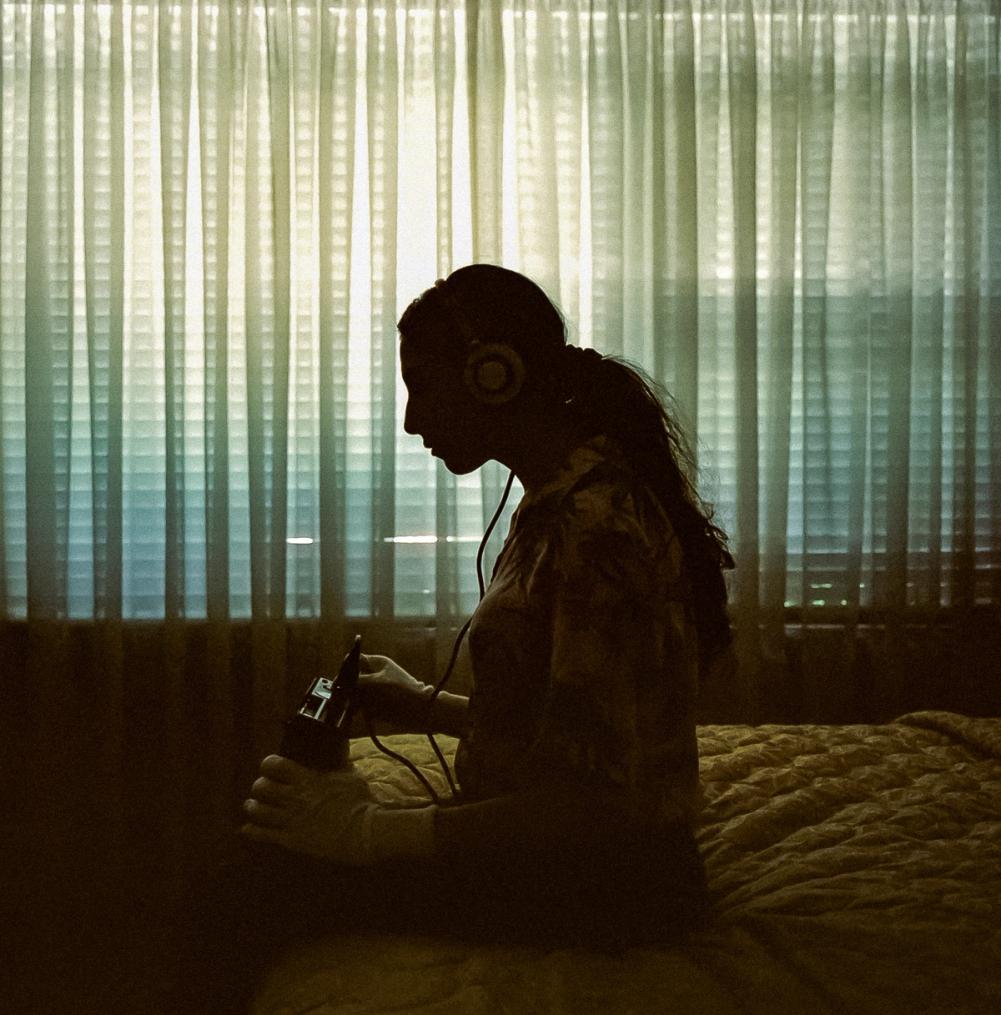


This year Soundhouse Vectorlab have added Digital Photography to our current courses. This course is an introduction to capturing, manipulating and using digital images. Designed for the novice digital camera owner looking to get the most from their digital images, this 1-day introductory workshop will make both the technical and creative processes of digital photography accessible and fun.
For teachers of singing anats nsw presents a Finale workshop using the world’s leading music publishing program. Bring your own project to try the program out and come armed with your questions for our experienced Finale instructors Cathy Aggett and Ray Partridge. Workshop outline and booking information can be found under Current courses.
We are also offering a new and greater range of student group workshops. Teachers can create a program in music, image or video that best suits the needs of their students. For a complete guide to the workshops available in 2008, and booking information, go to Group workshops.
Australian Children’s Music Foundation winners
Published by tessa December 4th, 2007 in News. 0 CommentsCongratulations go out to two of our recent Sound It Out graduates Rosemarie Mitchell and Maryanne Lawson. Both Rosemarie and Maryanne won an award in the Australian Chrildren’s Music Foundation’s National Songwriting Competition. Rosemarie was awarded second place in the Secondary Schools Hip Hop category for her song I don’t need a man and in the same category third place was awarded to Maryanne for her song turn the music up. Well done girls! Both tunes are available online in our media gallery.
Run in conjunction with the Redfern Sound Studio Sound It Out is an intensive, hands on program that teaches participants the music program Acid Pro & enables them to develop their own particular style of music, singing, rapping, & beatboxing as well as create their own backing tracks which receive additional tracking, mixing and mastering at the Redfern Sound Studio.
Create your own digital story in your own voice using scanned photos, drawings and images, presented as a video or narrated slide show. Course includes: a final screening – sharing each others stories in a group scriptwriting process; software tutorial; production support and management including transferring the story onto disc to keep and share with family and friends plus assistance on how to upload the story project onto various web video hosting venues.
Cost: $280
Time: 10am - 4pm
Book: online
Dates: 23rd and 24th May 2008
Enquires: peterm@phm.gov.au or call 9217 0392 (weekdays only)
Tip of the week #20 – Markers in Acid.
Published by mike July 4th, 2007 in Tips of the week. 0 CommentsAlmost all dedicated music and audio production software tools these days find a great deal of their work producing scores for video projects rather than just music and audio on its own. When it comes to working with audio in synch with a video project one of the most important tool sets to be familiar with is the use of markers. Managing the layout of a sound design is as important as producing the individual sounds themselves. There are in fact 6 different types of timeline point markers available in Acid and each one has a different set of uses.
Get technologically creative in this school holiday multimedia course! Taught by practicing artists participants create an exciting multimedia project using sound, music, still images and video footage. Running over four days, this intensive program allows you to develop your own project from scratch, culminating in a theatre-style presentation of your work to family and friends!
Recommended ages 12-16.
Workshops run 9.30 am – 4.00 pm Monday 14th - Thursday 17th April 2008
Cost: Members and Guests: $270.
Members receive a bonus SoundHouse VectorLab pack. To make a booking please call the members hotline on 02 9217 0600 or book here online via Moshtix
Continue reading ‘SoundHouse VectorLab Media MashUp’
Tip of the week #19 – Character and Scene mapping in Celtx.
Published by mike June 7th, 2007 in Tips of the week. 1 CommentOne of the most powerful, forward thinking and empowering software tools available for people working in creative media is, without question, the pre-production software system Celtx. A free and open-source application available in nearly 20 languages and for all major operating systems, it is simply the one tool no creative media maker should be without. Download it now! In fact don’t read any more until you do. Its free, so there’s no excuse!
Apart from comprehensive tools for developing screenplays, storyboards, production schedules and all over project management, Celtx also has a range of features that can help every screenwriter write a better screenplay! One of these can be seen in the simple but very effective character mapping sheet in Celtx.
In your screenplay simply highlight with your mouse the name of a character mentioned in the script. On the right hand side of the Celtx interface you will find the Sidebar. If it’s not visible simply click the Sidebar Button to extend it out.
Continue reading ‘Tip of the week #19 – Character and Scene mapping in Celtx.’
Tip of the Week #18: Slipping and Trimming in Vegas
Published by mike May 29th, 2007 in Tips of the week. 0 CommentsOnce you have a sequence of clips arranged on your timeline you’ll invariably get to the point where its time to beat your movie into shape. To do that you’ll need a set of tweaking, refining and adjusting tools to work fine changes on your clips. Vegas as a powerful set of ‘Slipping’ and ‘Sliding’ features for just this.
1. Slip edit
Often times, having placed a clip to the timeline with In and Out points you’ll realise that whilst the duration of the shot is correct the start and end of the clip needs to be shifted back and forth. This is know as a SLIP edit. Simply put your cursor over the clip, hold down the ALT key, click and drag. Your Preview window will automatically change to a split screen display where the left side shows the first frame of the clip and the right side the end. By clicking and dragging back and forth with ALT down you keep the duration of the clip but shift the In and Out points back and forth.
2. Trim edit
This is an extremely useful edit function where you have two clips together and you wish to change the point at which the first clip ends and the next begins but don’t wish to relocate or change the duration of the two clips together. Place the cursor on the join between the two clips, hold down ALT and CTRL and then click and drag. The cut point between the two will shift back and forth but the two clip events will remain in position on the timeline.
Tip of the week #17 – Understanding Mpeg2 for DVD
Published by mike May 16th, 2007 in Tips of the week. 2 CommentsMpeg2, despite having been around for quite some time, is still one of the most useful, widespread and versatile video compression formats available. Of course Mpeg2 is the format of DVD-Video but it’s also the standard transmission format for digital television, is used a huge number of consumer DVD-camcorders and is the format of High-Definition HDV. Anywhere you go you’re bound to run into Mpeg2.
For most video makers their first technical encounter with Mpeg2 is to make a DVD but there are some simple mistakes and misunderstandings that can be made when trying to move a video project from your editing system timeline to DVD.
Continue reading ‘Tip of the week #17 – Understanding Mpeg2 for DVD’
Thank you from St Stephen’s School. W.A.
Published by tessa May 10th, 2007 in Endorsements. 0 CommentsSt Stephen’s School recently travelled from Perth WA as part of their annual Arts Tour to Sydney and Melbourne and completed our Music Video workshop. Stephanie MacMahon, head of Learning Area - the Arts/Director Of Music had this to say…
“I am writing to pass on our thanks to Kiki for her informative and interesting workshop. The students had a fantastic time, and achieved some very creative results. Kiki spoke to and engaged with our students with interest and respect.” We are so pleased the students from St Stephen’s School enjoyed their SoundHouse VectorLab experience and look forward to their return in the future.
Tip of the Week #16 - Sound & the Inverse Square law
Published by mike May 9th, 2007 in Tips of the week. 0 CommentsSound is a complex beast and recording good sound is an art. Just sticking a mic in front of a source is raely enough as sound not only travels from source to mic but fills the space and bounces off every availible surface as well. An ill-placed mic can subsequently record all sorts of unwanted noise and reverberations that can ruin a good recording.
There is however a very simple and effective method for helping to avoid unwanted reverb and reflections known as the Inverse Square Law and drawn from the laws of physics. The law states that the physical quantity or strength of a sound is inversely proportional to the square of the distance from the source..
So how does the relate to recording good sound? In very practical terms, when recording in a room or space with lots of reflextive surfaces position the microphone three times closer to the sound source than to any reflecting surfaces. This will avoid frequency cancellation and interference caused by sound reflections off hard surfaces. The rule simply ensures that any sound reaching the mic from a wall or surface reflection is significantly weaker than the sound direct from the source and so becomes negligible in its effect on the recording.
This rule can apply to post-production editing or studio mixing. Try to set up the room and computer so you are three times closer to speakers than to any walls.