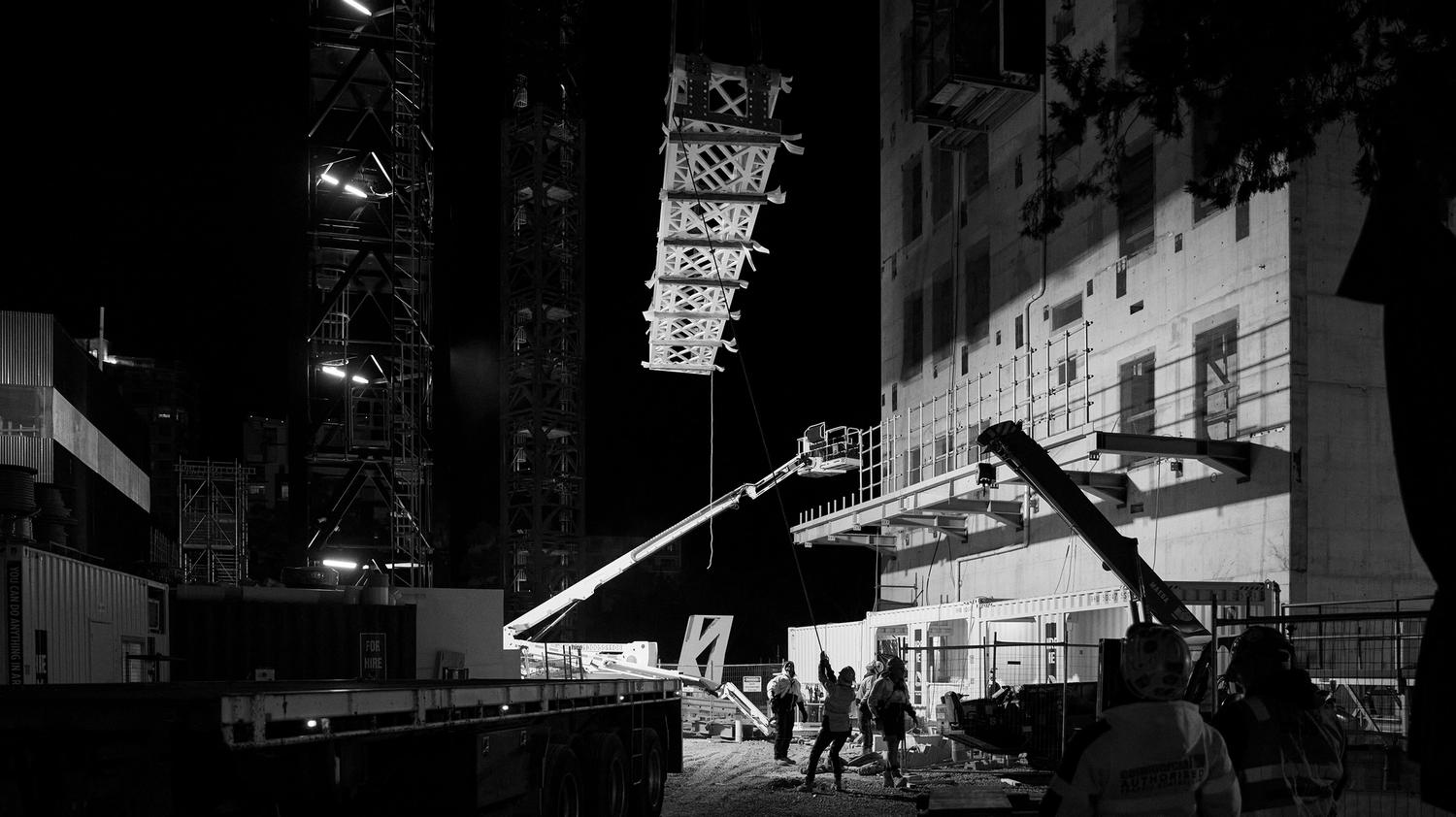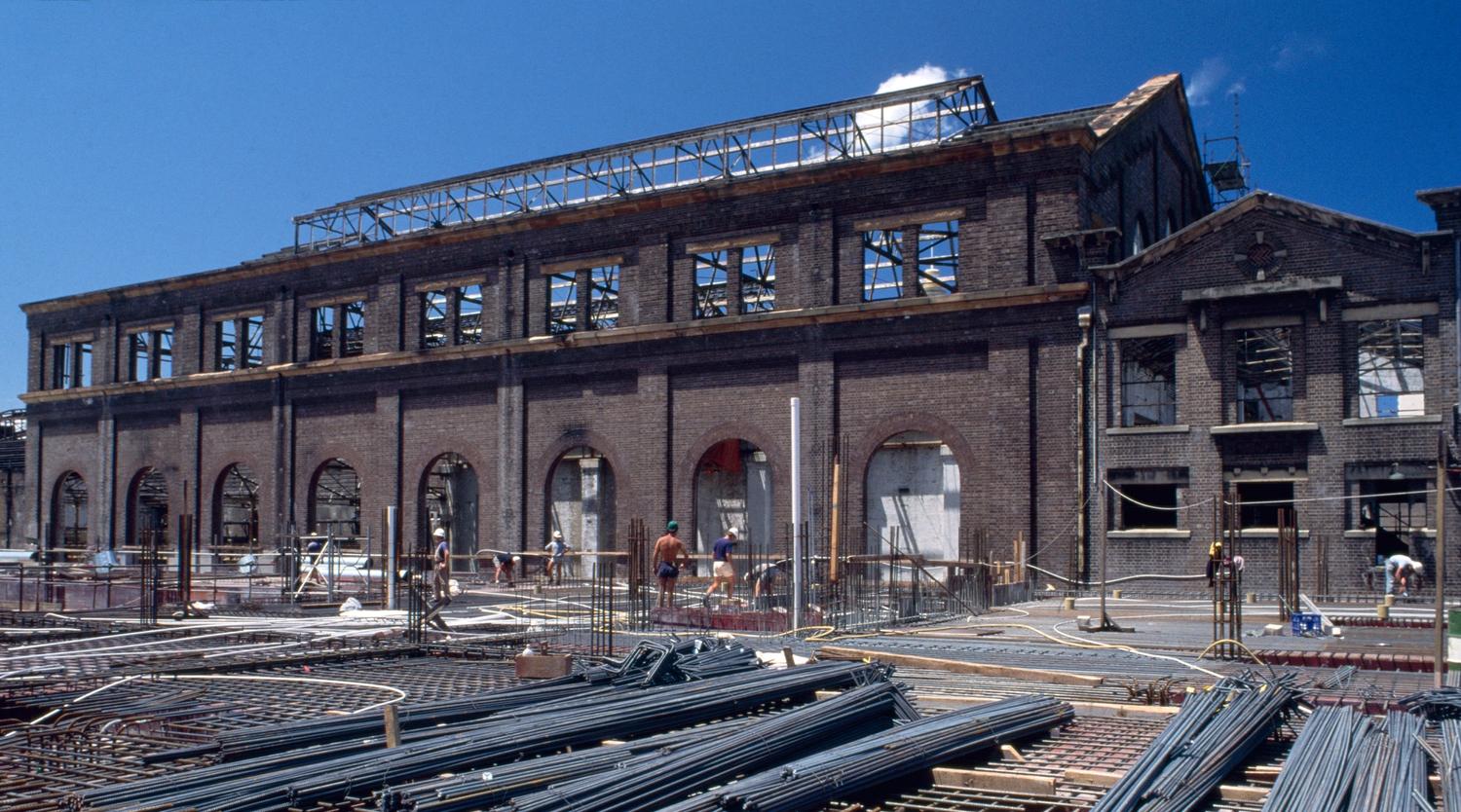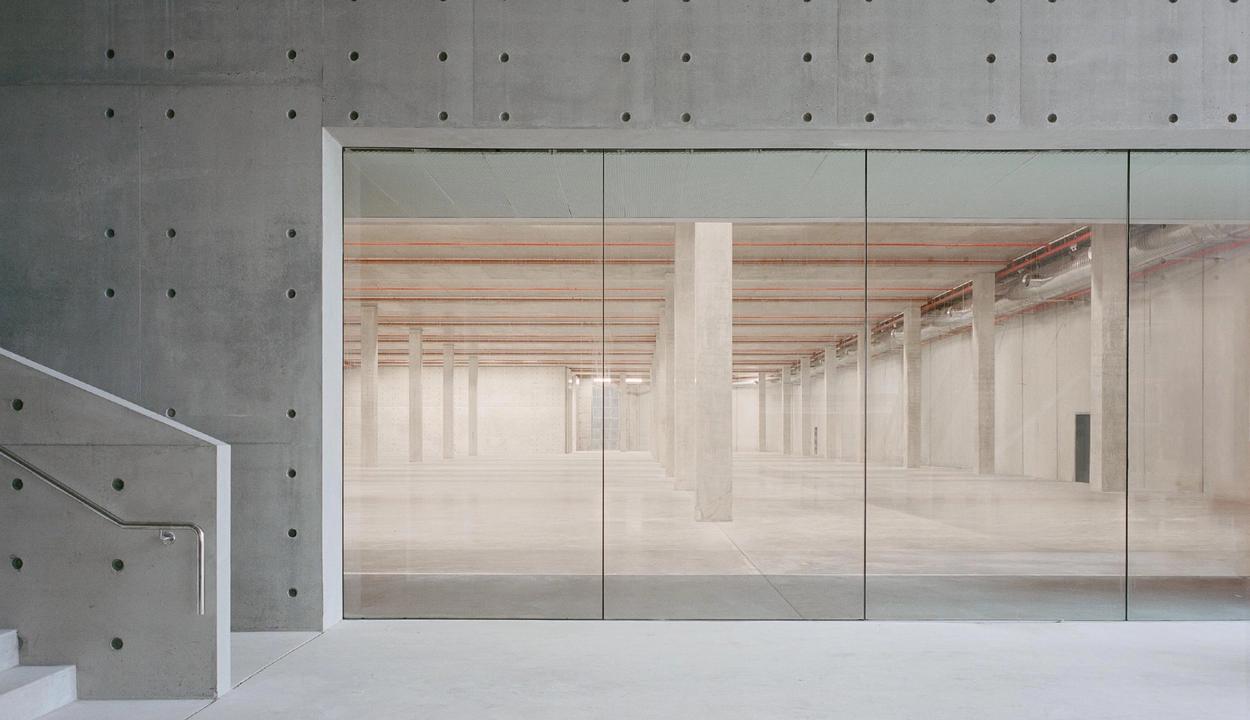
As blogged by Geoff Barker, last Wednesday a bunch of us from the Powerhouse Museum took a self funded research trip down to the Museum of Old and New Art ‘MONA’ in Hobart. MONA has generated much interest in the Australian GLAM sector. From a digital, social and emerging technology perspective MONA really does raise the bar and challenge the whole Australian GLAM sector to step up.
How?
Firstly, it pushes us all to re think what a museum can and should be. Secondly, money has been directed to areas of the museum experience that MONA clearly believe hold the key to existing and future success. MONA has obviously put serious money and ongoing effort into the areas it believes will make the visitor experience special. And those key areas are:
- A Museum with a complete User Experience model (the whole journey pre, during and post visit)
- Architecture (space and theatre)
- Digital Technology (augmentation of the above)

MONA
Before we all have a collective (collection?) heart attack. Why haven’t I mentioned the collection? Surely the objects are critical.
Yes and no.
Personally I’m not drawn to the owners overt desire to explore the tension between sex and death. In terms of actual content, I was not in love. Individual works did stand out. But I felt my own personal tastes on the collection are rendered irrelevant and thus torn asunder by the fantastic theatrical experience this Museum affords it’s visitors.
This theatre is no doubt made all possible under some very unique conditions. Primary is the nature of the Museums funding model. This is a private collection, personally funded and executed. As such it occupies a unique position in the Australian funding landscape but not the world. You really have to look at the United States of America to find comparable institutions with this type funding arrangement. I think similarities can be drawn and the strengths and weaknesses of this arrangement can be understood.
Straight up it is obvious that this Museum is the outcome of an amazingly well produced experience based on a strong singular vision. The ability to articulate and execute that vision requires strong commitment and persistence. Architecture plays a very central role in the MONA experience. Certainly this is critical to that desire you have of wanting to explore everything. Geoff was quick to point out that even the complex looking stairways and access points all seem to lead to amazing experiences. The complexity is confronting at moments but you find yourself assured at the same time by all paths leading to something worthwhile. With the ongoing revitalisation of the Powerhouse Museum, we have been afforded a great opportunity to reclaim some of these elements in an engaging, exciting and trustworthy way-finding experience.
The spaces themselves are filled with a wonderful mixture of the old artifacts as new art. You can be deep in a modern binary bunker experience and be presented with Egyptian artifacts burrowed into the walls. And that seems to blend perfectly into that Modern installation art experience. Indeed there is a sense of theatre throughout your time at MONA, from the Museum entrance with its almost personlised service (no single long desk for ticketing here fokes) to it’s view of old objects as art and modern art as objects. Neolithic flints are artfully arranged in a patterned geometric design, drawing the eye. Simple but very effective method of encouraging engagement.
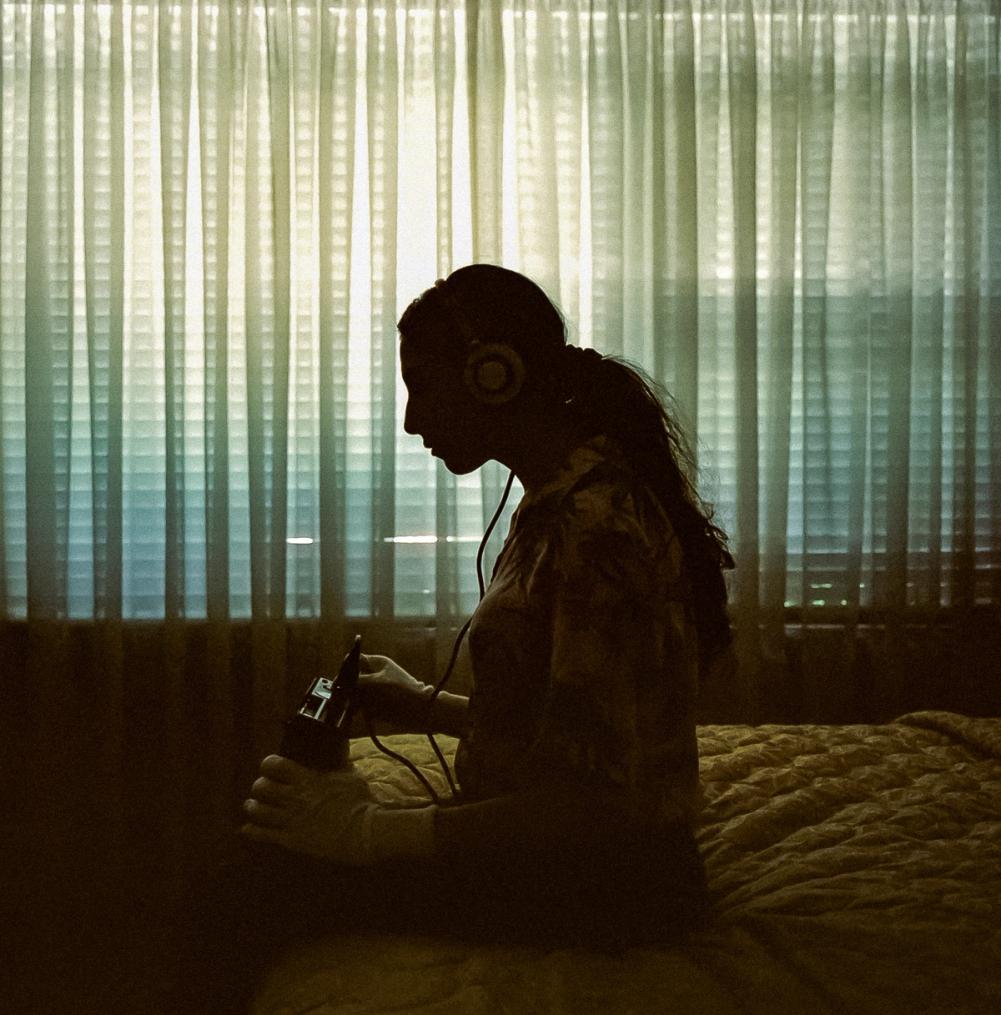
But without covering old ground, the ipod touch that forms the mobile guide is really what I wish to cover here. For a great review I strongly recommend having a read of Seb Chan’s post ‘Experiencing the O at MONA’ on his Fresh and New(er) blog.
It was interesting to see people commence their journey in the Museum by spending a lot of time looking down at the O rather then what is around them. I noticed that many were trying to match the O’s listed objects around them to the reality of what they could see. The call to action to click ‘show objects around me’ did not often result in an ordered list of objects around you. Sometimes it resulted in a list that seemed to bear no order to what I could see around me. Objects first in the list were far away from where I was standing and vice versa.

The O next to iPhone 4
I can foresee that object clustering will continue to be a big issue with these type of user experiences. I think the issue of what I perceive to be primary objects around me verses what the O would say is around me, is not a tension that is going to be solved by increasing granularity of the systems that drive this technology. Once you are down to 30 to 100 cms you have enough granularity. Carlos Arroyo (our Lead Developer) was quick to point out some real solutions that would assist in refining these location based systems to give more meaningful and relevant. We hope to take these ideas to the next iterations of our companion mobile web or iPhone and Android apps.
After thirty minutes it became obvious that some users tire of the device and as a generalisation it seems that older visitors generally fell into this category. Some people found it hard to view the small text and icons. But what was interesting, most did continue to engage with the O as part of their visitors experience. They just didn’t refer to it as much.
That connects to the tension between a device that can be used to ‘explain’ your experience and just experiencing the art and objects as they are. I found the ‘viewed’ tag appended to object I had sought additional information on using the O somewhat distressing. I felt a bit of a Pokemon syndrome descend as I tried to ‘collect them all.’ I wanted to make sure the O tracked all I had seen, to be a true reference point. But I suspect that’s a personal OCD issue rather than a user experience issue. Never the less as discussed below, this does have a negative impact on the accuracy of the post visitor experience.
The O has a refreshing and wonderful blurred line between what the institution says about an object with the wonderfully labeled ‘Art Wank’ section, and what others (mostly David Walsh’s views) think with the Gonzo section. And by others, we can also be talking commentators, off the cuff remarks from strangers and really any content you care for. The other great addition is the ideas section, with its seemingly random talking points it could generate. That is something most Museums miss, the freedom to have many types of conversations. Sure we can be experts in a field, but for a personal connection there needs to be something more playful and experiential at work. The O bridges this space well. This is to say nothing of the fantastic interviews that seem to enrich the experience more then most.
Some members of our team found the love and hate object rating system too strong. I found it confronting but I felt that was the idea. Clearly there no fence sitting in David Walsh’s world.
I found the O did fall down in terms of device persistence. My O decided to exit and close the application after my first one hour. Re-opening the application I was asked again to provide my email address. My assumption was that, as I’d provided my details previously, reentering my email address would simply restore my views, loves and hates to date. This was not the case. I was confused what would happen if I saved my tour and tried to resume it again. Would it be a separate tour? Or would it wipe my old one. And so on.
If I have invested time and effort into an augmented experience, persistence of experience is critical. Also, handheld devices are by design and through our use ‘personal’ devices. We hold them and use them as extensions of self. So having the O gel with my actual museum experience is a critical. Technically it is not difficult to ping a server with the latest array of user data every X minutes. Once you enter your email address you have your unique ID to match updates against. By all means, have a save button to make people feel like they are in control, but devices always fail in unique ways and this needs to be factored into the functional and technical specification.

MONO tour email notification
In the end, the excitement I felt when I received my “Your Mona O Tour’ email was short lived due to this issue of persistence. According to the O I’d roughly experience half of the Museum. And I’m telling you I remember experiencing the lovely Audio tour for Patrick Hall’s ‘When my heart stops beating’. Unfortunately some of the Gallery space was closed for installation of new works and hence I was unable to access the Library. Maybe next time. And that is the thing with this experience, you could easily experience and be enthralled again and again.
It seemed strange to have a sense of spacial location between you and the objects around you but not have any such features built into the map. It led many in our group to dismiss the map instantly. I found it more confusing then helpful. Some type of ‘you are here’ function would help. Adding a way-finding to key objects element would be a bonus.
Entering the post visit experience, the use of the personal data you’ve logged during your journey around the Museum is done in a way that really invites continued engagement. Your MONA experience does not stop at the exit. Data is visualised with paths through a museum map using a beautiful and functional (if unfortunately flash based) interface.

Post visit visualisation (full screen)
The Muesum have placed a good deal of value in continuing to make all the rich content on the O accessible via your personalised post MONA tour. That is a Museum that understands the value of quality, rich and sticky content that can be re-purposed to ensure continued engagement.

Web based exploration of your visit with interactive catalogue
At this point I thought, wouldn’t it be great if the O had a Camera as well, so you could see your pictures of objects along side the Museum curated content. This kind of thing could led to some great data mining opportunities.
As a final serious note, a subtle but important aspect of the post visitor experience for me (as an ex digital marketing agency person) was the way the notification of your Tour never feels spammy or evil marketing trying to trap you into some CRM void. You simply receive a plain text based email telling you your Saved tour is available for collection. The visual design remains constant between the O and your post visit web based experience. It is smart design and strong visual identity that stays on brand and connects you to the Museum in real tangible ways.

MONA post visit page
So all up, I’m impressed with MONA and the O. I strongly urge all people in the GLAM sector to check it out. From the little things like the statistics thrown up when you interact with the O via loving or hating objects, to the big things like the architecture of the built environment, it all adds up.
As a lovely little aside. Our developer noted that it is relatively easy to access the settings and other aspects of the standard iPod touch package. This included some of the pre installed apps. Obviously the devices are not wiped daily after collection, with the notes application on my O having a lovely essay by a user about MONA, David Walsh and Tasmania. And a few 3:00am alarms set in the clock too. Someone else (not likely the same person, as the essay at least seemed intelligent) had kindly added ‘Your Mother’ to the phone contact list. So I added my own thoughts to the impromptu essay in the note application. Maybe MONA would be so inclined to add it to the idea section on the O. Actually… maybe that is another product enhancement for the O! User generated ideas can be entered during your visit via the O. Consider that idea a freebie Mr Walsh.
Recent Comments